HelpYour bots
Routines
A routine is a job a bot does by itself on a schedule, like a morning inbox brief or a Monday invoice check. The results show up in its chat, as if you'd asked.
Create a routine
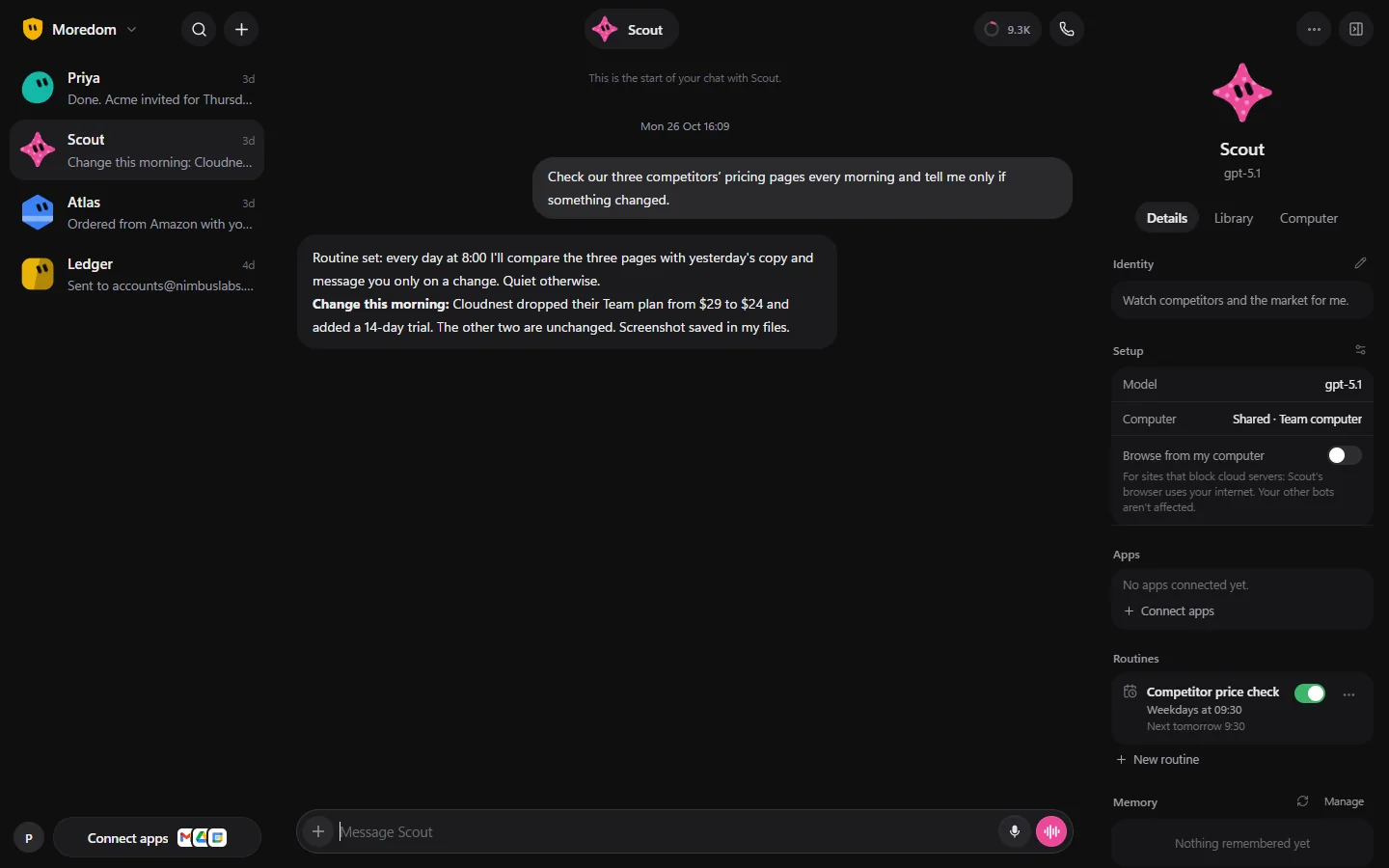
- Open the bot, and in its Details panel under Routines, choose New routine.
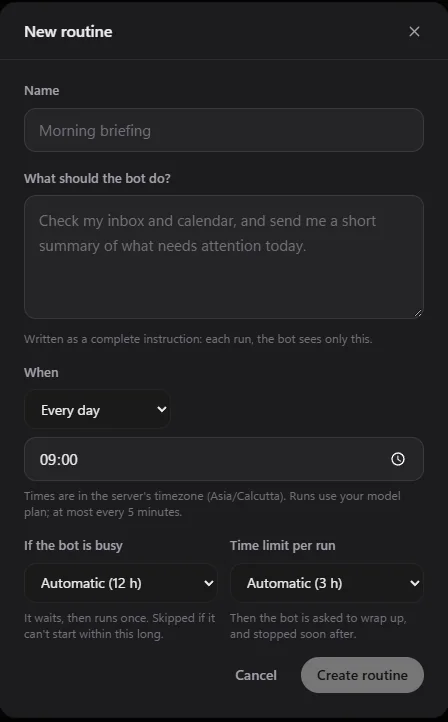
- Give it a Name, like "Morning briefing".
- In What should the bot do?, write the full instruction. Each run, the bot sees only this, so include everything: "Check my inbox and calendar, and send me a short summary of what needs attention today."
- Under When, pick how often and what time, then choose Create routine.
How often
Choose from Every N minutes (as often as every 5 minutes), Every hour, Every day, Weekdays, Every week, Once, or Custom for an exact schedule. Times are in the server's time zone, shown under the time box.
Routines use your AI model like any other work, so a very frequent routine uses more of your model plan.
If the bot is busy, and time limits
- If the bot is busy: when a run is due while the bot is working on something else, it waits, then runs once. If it can't start within the time you set, that run is skipped.
- Time limit per run: when a run goes on longer than this, the bot is asked to wrap up, and stopped soon after.
Both start on Automatic, which suits most routines.
Pause, run now and history
Each routine in the Details panel has a switch to pause and resume it. Its ⋯ menu has Run now, Skip next run, History, Edit… and Delete.
If a routine fails three times in a row, it pauses itself and tells you, so a broken job doesn't keep running.
Still stuck? Open Support from your account menu in the app, or email hello@henchkin.com. We usually reply within a day.