HelpGetting started
Desktop and phone apps
Henchkin works in any modern browser, and as an app for your computer and phone. Your bots live on our servers, so they keep working when every app is closed, and everything stays in step across your devices.
Where you can use it
| Device | How |
|---|---|
| Windows 10 and 11 | The desktop app, from the Microsoft Store. The download page also has an installer, for PCs without the Store. |
| Mac | The desktop app, for Macs with Apple silicon. |
| Linux | A .deb for Ubuntu, Debian and Mint, or the AppImage for other versions. |
| Android | The Android app. |
| iPhone and iPad | The app is coming soon. Until then, use app.henchkin.com in Safari. |
| Any browser | app.henchkin.com |
What the desktop app adds
- Browse from my computer. A bot can browse through your own internet connection, for sites that block cloud servers. See Bot computers.
- Easier ChatGPT sign-in. The app finishes the sign-in by itself, with no copying.
- Push to talk. Hold a key or mouse button to dictate. See Voice and calls.
On your phone
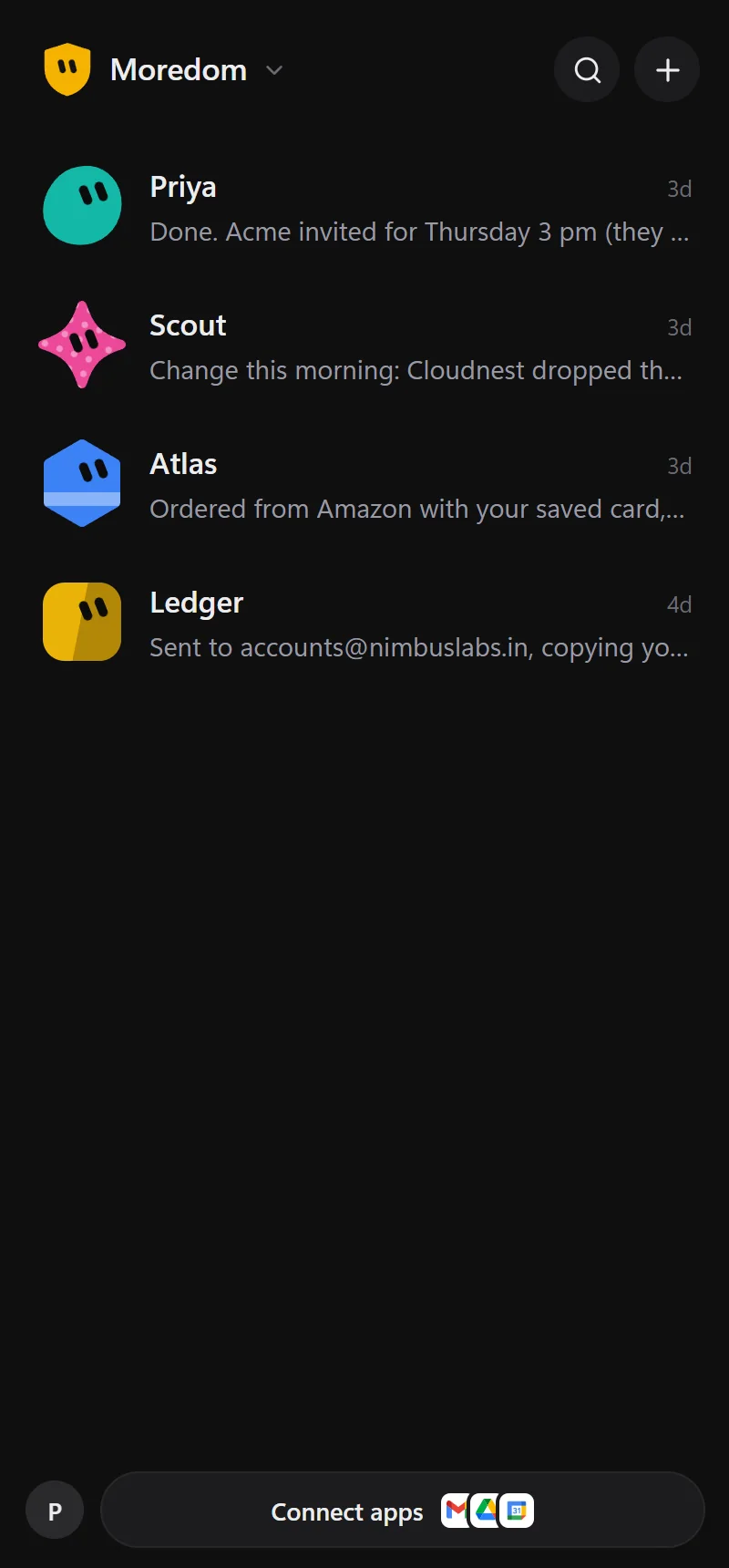
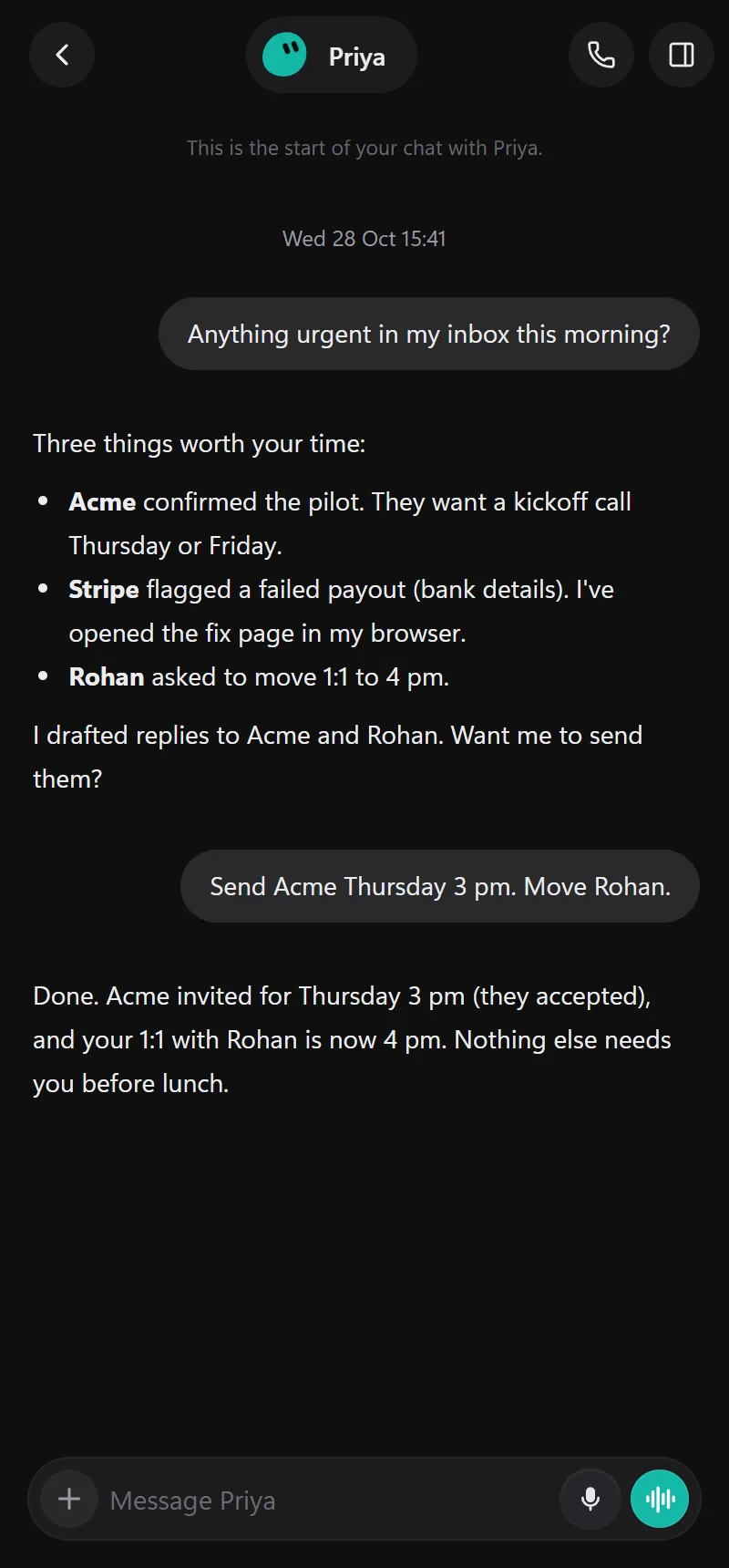
The phone app has everything the desktop has: chats, the bots' screens, approvals and settings. On Android, Henchkin keeps a small "Listening for your bots" notification so questions and calls reach you right away, even with the app closed.
Updates
- Desktop app: updates download in the background. When one is ready, choose Restart to update. Nothing restarts without you. The Microsoft Store version is updated by the Store.
- Web: always up to date.
- Your version is shown at the bottom of Settings, where you can also Check for updates.
Still stuck? Open Support from your account menu in the app, or email hello@henchkin.com. We usually reply within a day.