HelpAccount
Account and security
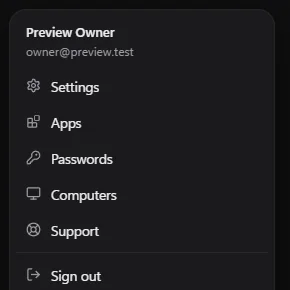
Your account controls bots that can sign in to your accounts, so it is protected by more than a password. Everything here is in Settings → Security.
Signing in
- Sign in with your email and password, or Continue with Google.
- Each sign-in also asks for a 6-digit code we email you. It works for 10 minutes; choose Send another code if it doesn't arrive.
- Forgot your password? Choose Forgot password? on the sign-in screen.
Two-factor with an authenticator app
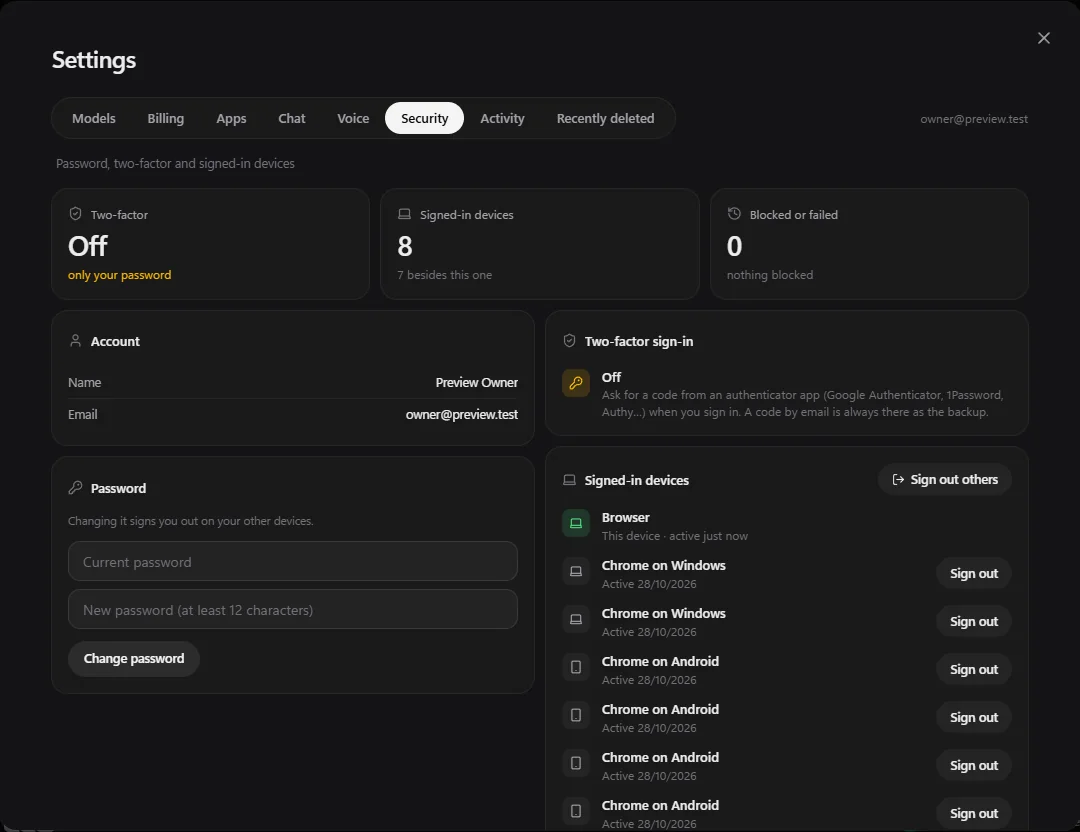
- Open Settings → Security and choose Set up two-factor.
- Scan the code with an authenticator app (Google Authenticator, 1Password, Authy and others) and type the 6-digit code it shows.
After that, signing in asks for a code from the app. If you lose your phone, a code sent to your email still works as the backup.
Change or set a password
Under Password, enter your current password and a new one (at least 12 characters). Changing it signs you out on your other devices.
If you signed up with Google, you have no Henchkin password yet. Choose Set a password. You need one before you can change two-factor or delete your account.
Signed-in devices
Signed-in devices lists every browser and app signed in to your account, and when each was last active. Choose Sign out next to one you don't recognise, or Sign out others to sign out everywhere except where you are now.
Activity
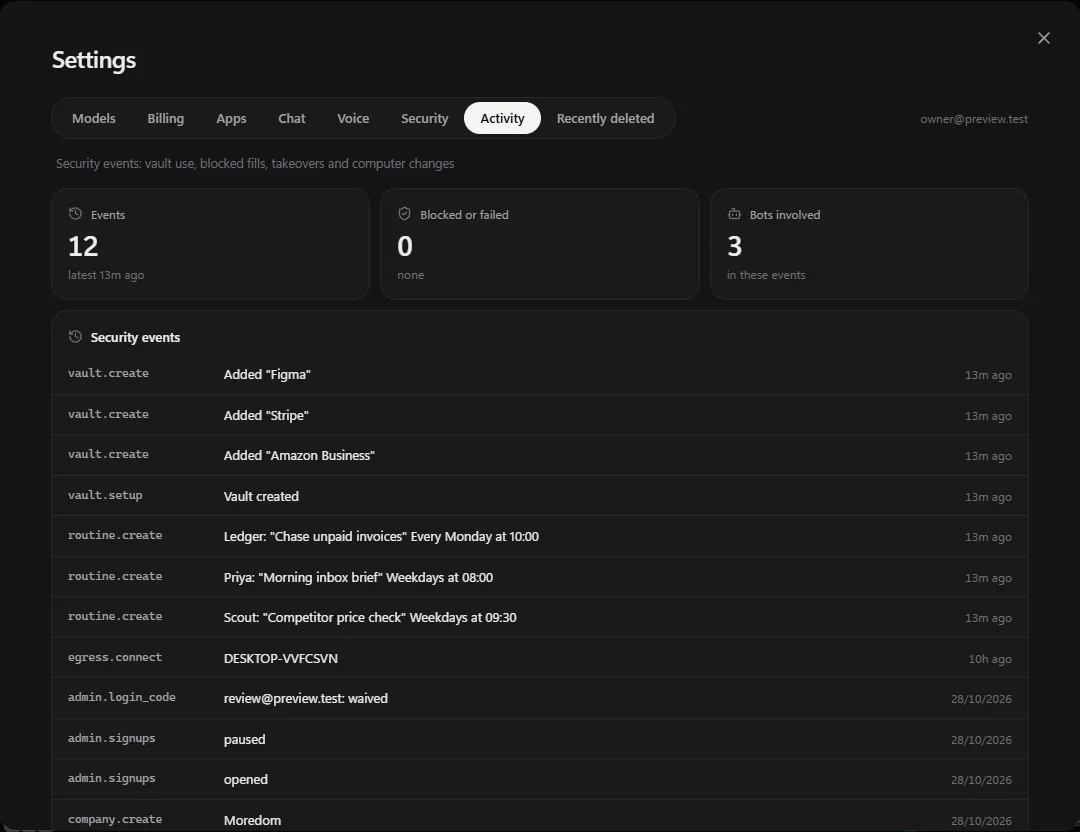
Settings → Activity is your security log: sign-ins, every use of saved passwords, anything that was blocked, every time someone took control of a bot's screen, and changes to computers.
Recently deleted
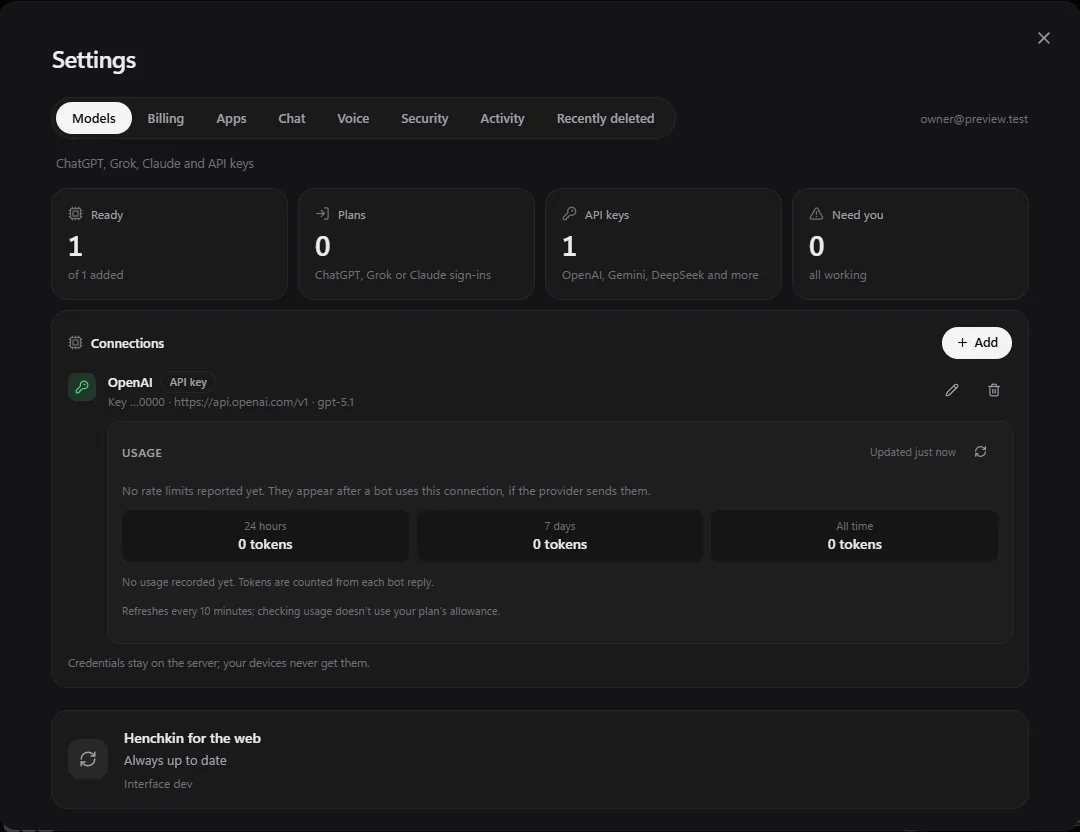
Deleted bots, computers, chats, memories, routines, saved logins and companies wait in Settings → Recently deleted for 30 days. Choose Restore to bring one back as it was, or Delete now to remove it for good. Files deleted on a bot's computer are in that computer's Files panel instead.
Delete your account
In Settings → Security, choose Delete account, enter your password and choose Delete my account. Everything is deleted straight away and your plan is cancelled. This can't be undone, and Recently deleted can't bring it back.
Still stuck? Open Support from your account menu in the app, or email hello@henchkin.com. We usually reply within a day.